
Document Gallery Pro
Display PDFs and files in a clean, searchable document gallery in minutes. No setup headaches.
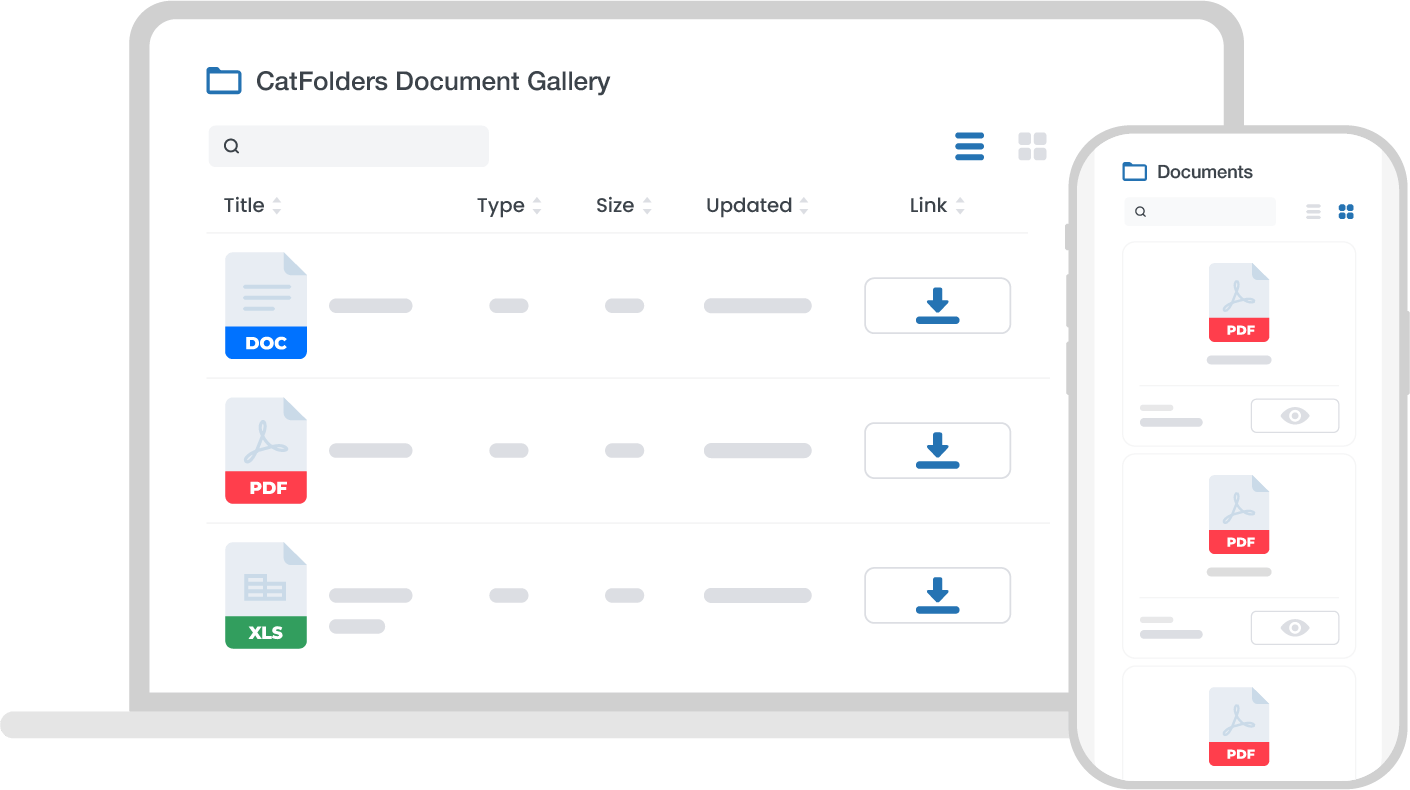
Want to display WordPress gallery from folder?
Here's the WP file list plugin you need!
Meet CatFolders Document Gallery
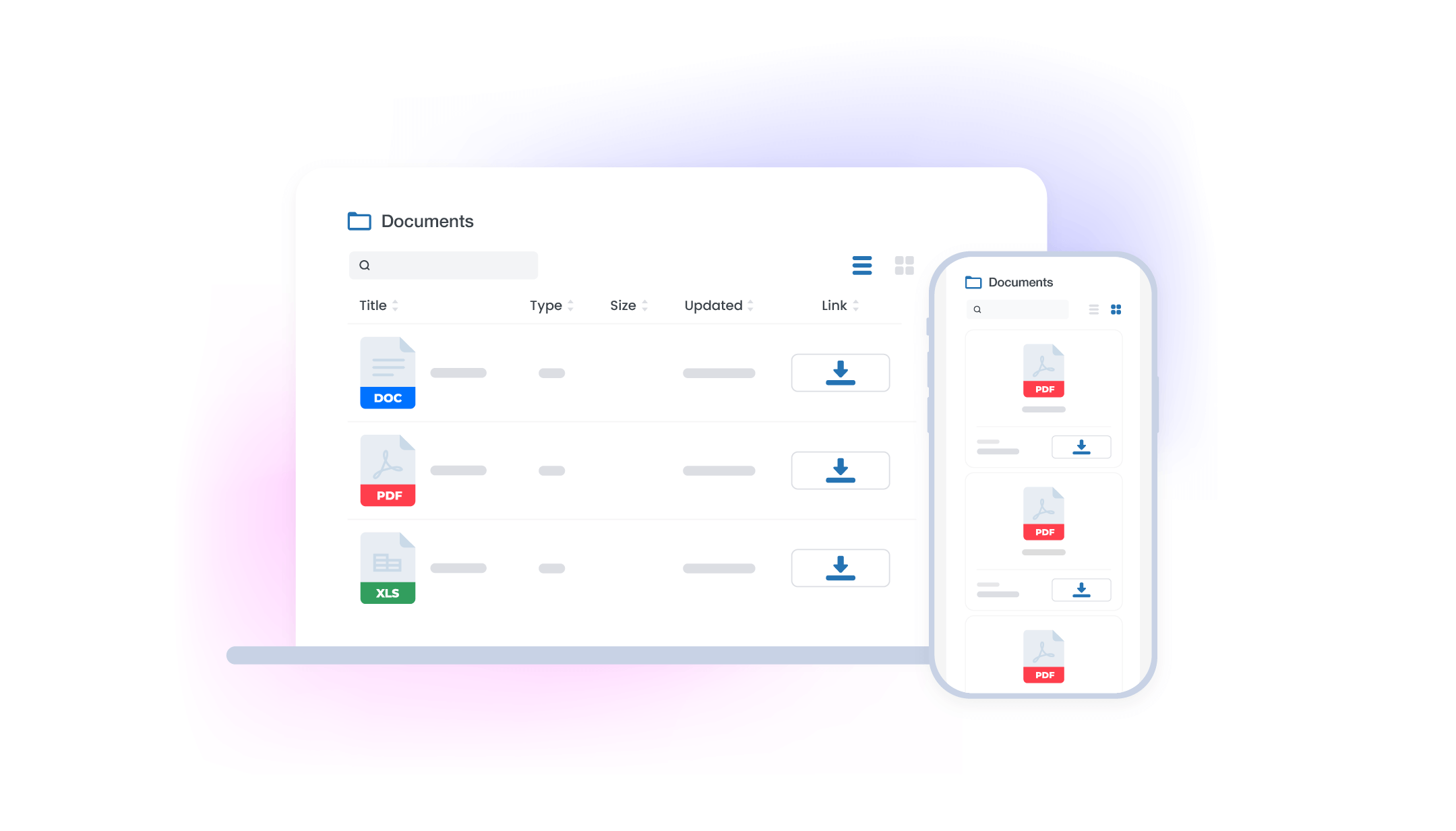
CatFolders Document Gallery allows you to create and display a list of documents on your WordPress website. It’s a good choice for educators, membership websites, and other resource libraries.
Here’s why it is the purrfect solution for all your document needs:
- Easy to use: CatFolders Document Gallery is easy to use, even for WordPress beginners. You can create and display a document list in just a few minutes.
- Customizable: It allows you to customize the look and feel of your document list such as pagination, layout switcher, number of columns, and so much more!
- Flexible: CatFolders Document Gallery is a powerful plugin to display various types of documents, including PDFs, Word documents, Excel spreadsheets, PowerPoint presentations, audios, videos, etc.
- User-friendly: Display your documents from WordPress in a modern library with the ability to filter and sort documents. It allows your visitors to preview and download documents with ease.
WP Document Gallery FAQs
Yes. CatFolders Document Gallery is an add-on for CatFolders - WP Media Folders. You need to install and activate CatFolders core (free or pro) first before the Document Gallery plugin will work.
In the Gutenberg block editor, add the CatFolders Document Gallery block to any page or post, then select the folder(s) you want to display. The block can be placed at any position in your content.
A shortcode option is also available if you're not using the block editor.
No. There is no cap on how many files or attachments you can add to a folder, and therefore no limit on the number of documents shown in a gallery.
The plugin supports multi-level (nested) folder structures with breadcrumb navigation, so visitors can drill down through subfolders.
CatFolders itself offers unlimited folder levels with a Pro plan.
In the free version of CatFolders, subfolder depth is limited. So if you need deep nested hierarchies displayed in your gallery, upgrading to CatFolders Pro is recommended.
The gallery updates automatically. Any files you add to the linked folder in the media library will appear in the front-end gallery without any need to re-publish or edit the page.
Yes. Visitors can search by document title and sort the list by file name, date, file size, and other available fields - all without reloading the page.
The plugin uses smart pagination that allows visitors to navigate between pages of results quickly, without a full page reload.
You can control how many documents are displayed per page.
Yes. The list and grid layouts are fully responsive and work well on all screen sizes. On smaller screens, columns that don't fit are hidden by default; clicking a "+" icon on each row reveals the hidden fields.
Yes. The plugin supports PDF first-page thumbnails in the gallery, giving visitors a visual preview before downloading or opening a file.
CatFolders is designed to be compatible with Gutenberg, Classic Editor, WooCommerce, Elementor, DIVI, Beaver Builder, Bricks, Oxygen, and other popular builders and plugins.
Further page builder integrations can be added in future releases. You can submit your request via the feature request page ↗
30-Day Refund Window
We offer a full 30-day money-back guarantee if you're not 100% happy with CatFolders. No questions asked.